


Discover the Power
of CXM Trader
Experience next-level trading designed for
performance and flexibility, anytime, anywhere.
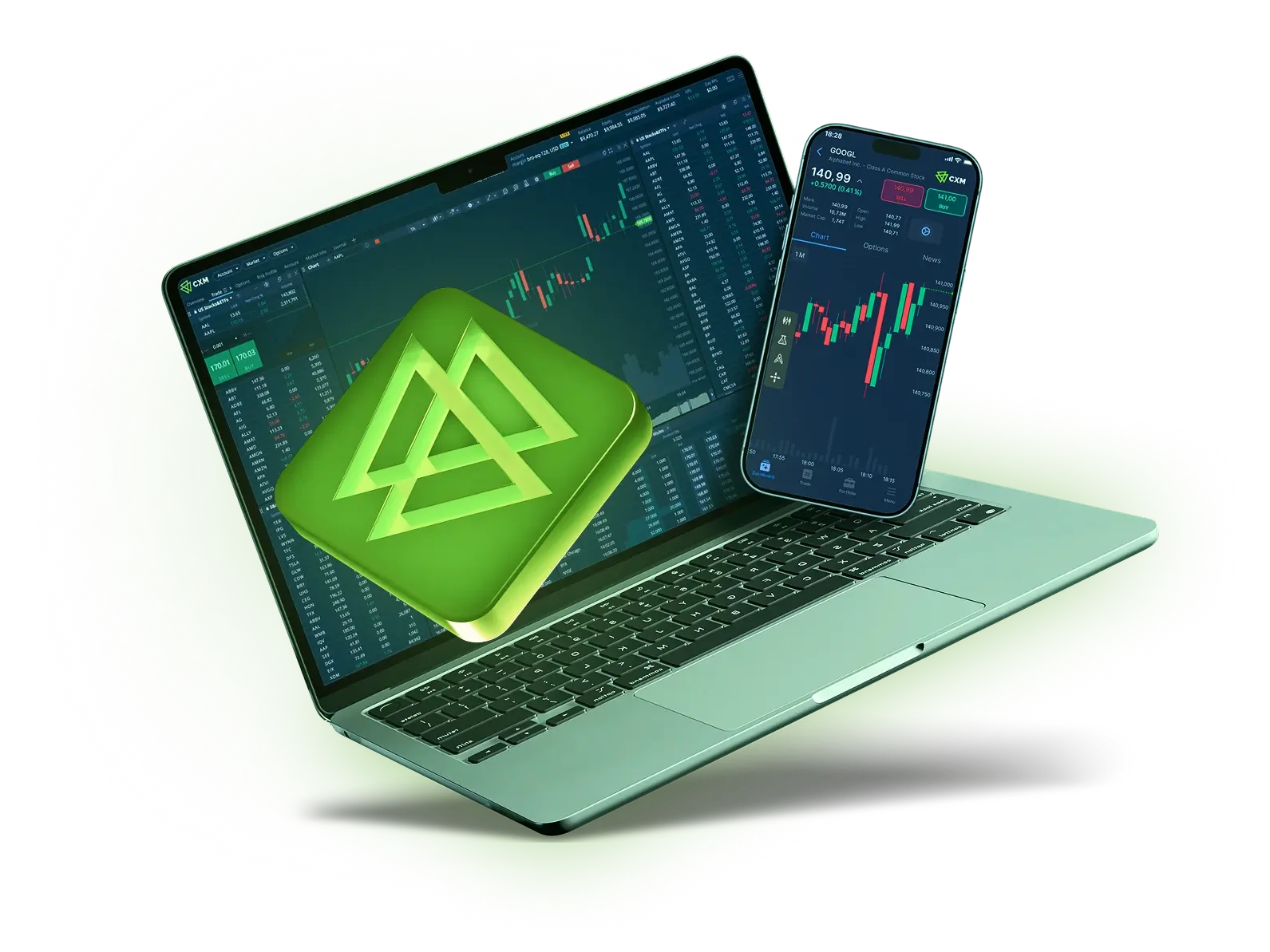

Experience the Difference
Begin your trading journey with CXM Trader
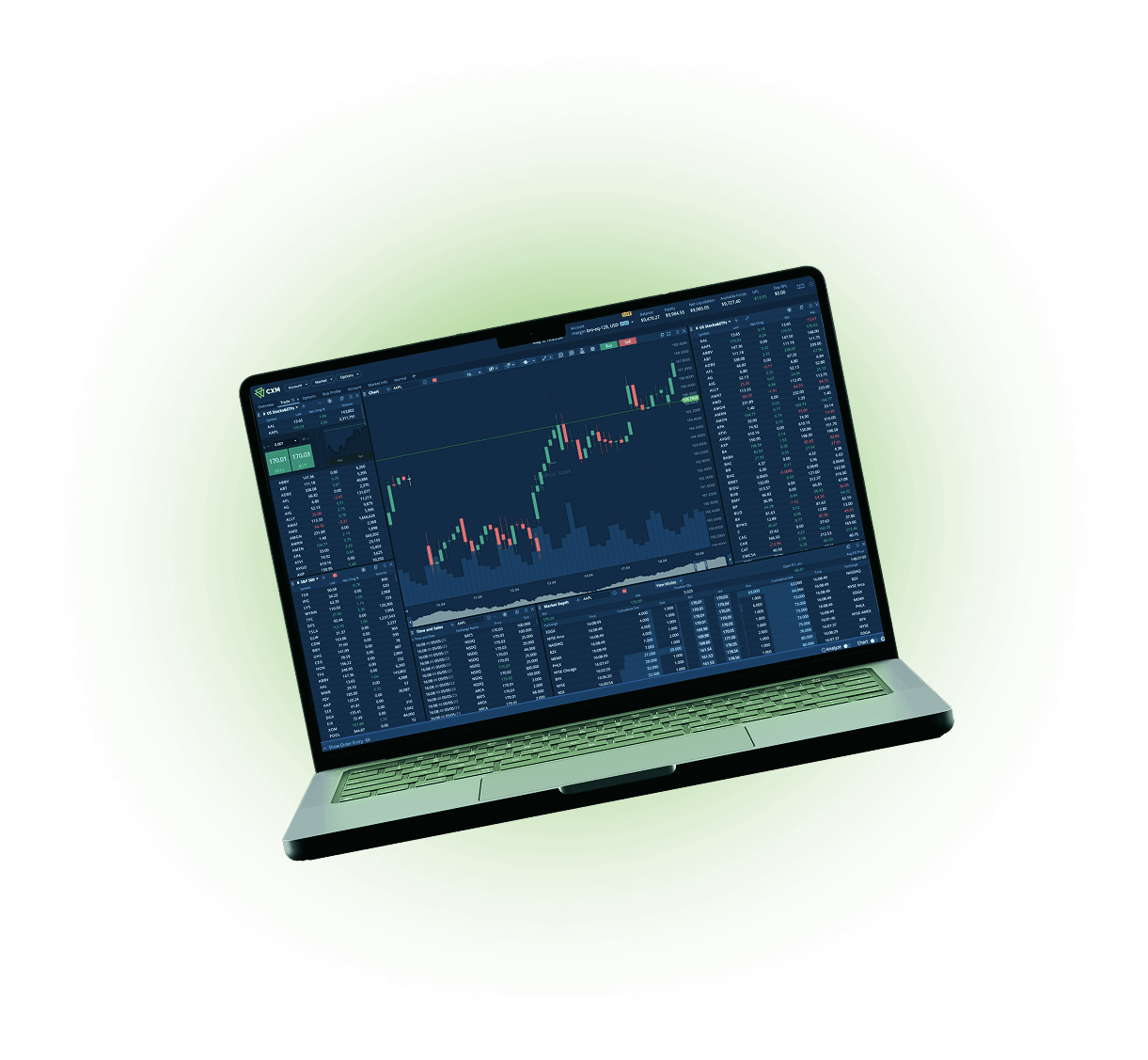
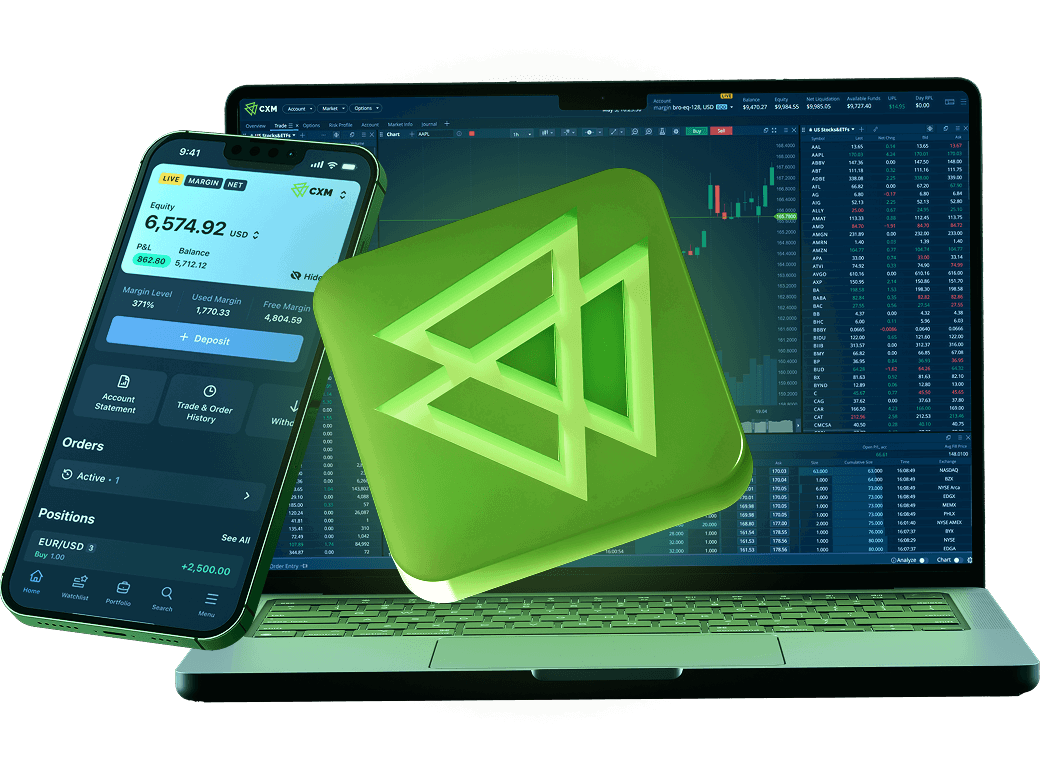
CXM Trader Web App
Tap into 100+ technical indicators, multiple chart types, drawing tools, and multi-timeframe analysis
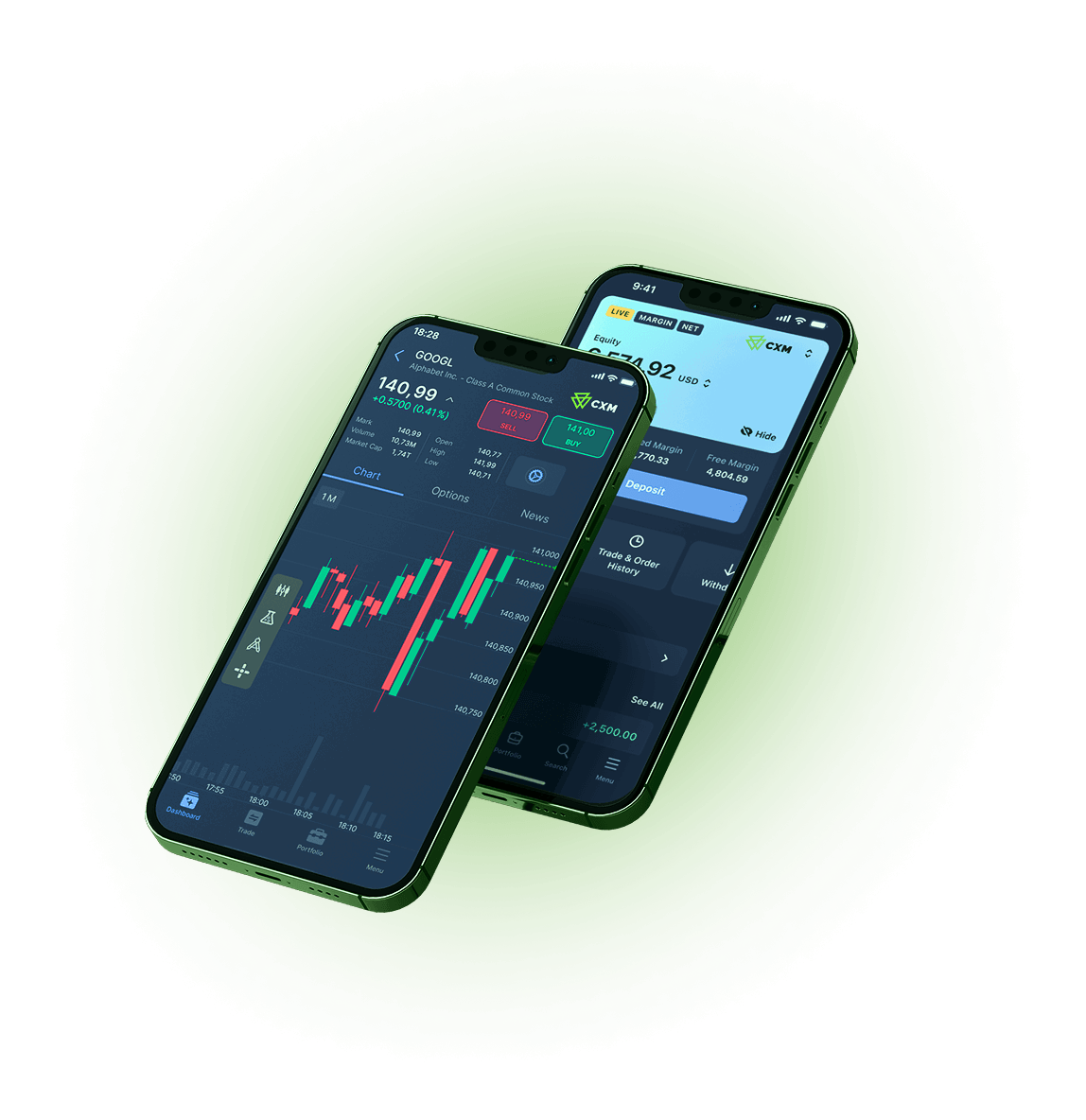
CXM Trader Mobile App
Launching soon
The CXM Trader Edge


Why Choose CXM Trader?

Trade 900+ CFD instruments

Instant Funding & Withdrawals

Award-Winning Global Broker

Secure & Stable Pricing
CXM Trader FAQs

CXM Trader is CXM's new web-based trading platform that provides clients with an intuitive trading experience, advanced charting tools, and access to over 300 CFD instruments.
Clients can trade more than 900 CFD instruments
No. MT4, MT5, and CXM Trader are separate trading platforms. Clients may choose whichever platform best suits their trading preferences.
No. CXM Trader is provided free for eligible CXM clients.
CXM Trader available on Web Browser. Coming Soon for iOS & Android Mobile App
Yes. Clients may have accounts on different trading platforms.
After creating the account, the Client will receive an email the login credential.
Yes. Clients can reset their trading password through the Client Portal.
No. Only one (1) CXM Trader account can be created per profile.
Yes. Clients can analyze the market and place orders directly from the chart interface.
Yes. Clients may modify or remove SL/TP at any time while the position remains open.
Yes, subject to the account type and platform functionality.
Yes. Client can connect CXM Trader account with TradingView
No. Clients can connect their CXM Trader account using a TradingView account.
Yes. Deposits are performed through the Client Portal.
Yes. Withdrawals are submitted through the Client Portal.
Yes. Clients can personalize chart layouts and workspace.
Clients can access over 900 CFD instruments available on the platform.
No. Trading history is platform-specific.
Only instruments with weekend trading sessions, such as supported 24/7 products, are available outside normal market hours.
Yes. If you have both account types, you can switch between them within the platform.
No. Social trading is not available for CXM Trader accounts at the moment.
No. PAMM is not available for CXM Trader accounts at the moment.
Yes. Yes, the Negative Balance Policy applies to CXM Trader accounts as well. Negative balance on your CXM Trader account will be reset automatically.
The Username is used to log in to your CXM Trader portal, while the Account ID is your unique trading account number. Please note that the same Username is required when accessing your both, CXM Trader demo and live trading accounts.


